Most renters start on Google. Connecting your Google Business Profile lets Patriot Hauls pull your business details in and post your inventory out to the place people actually search — Google and Maps.
Open Google My Business from your dashboard.
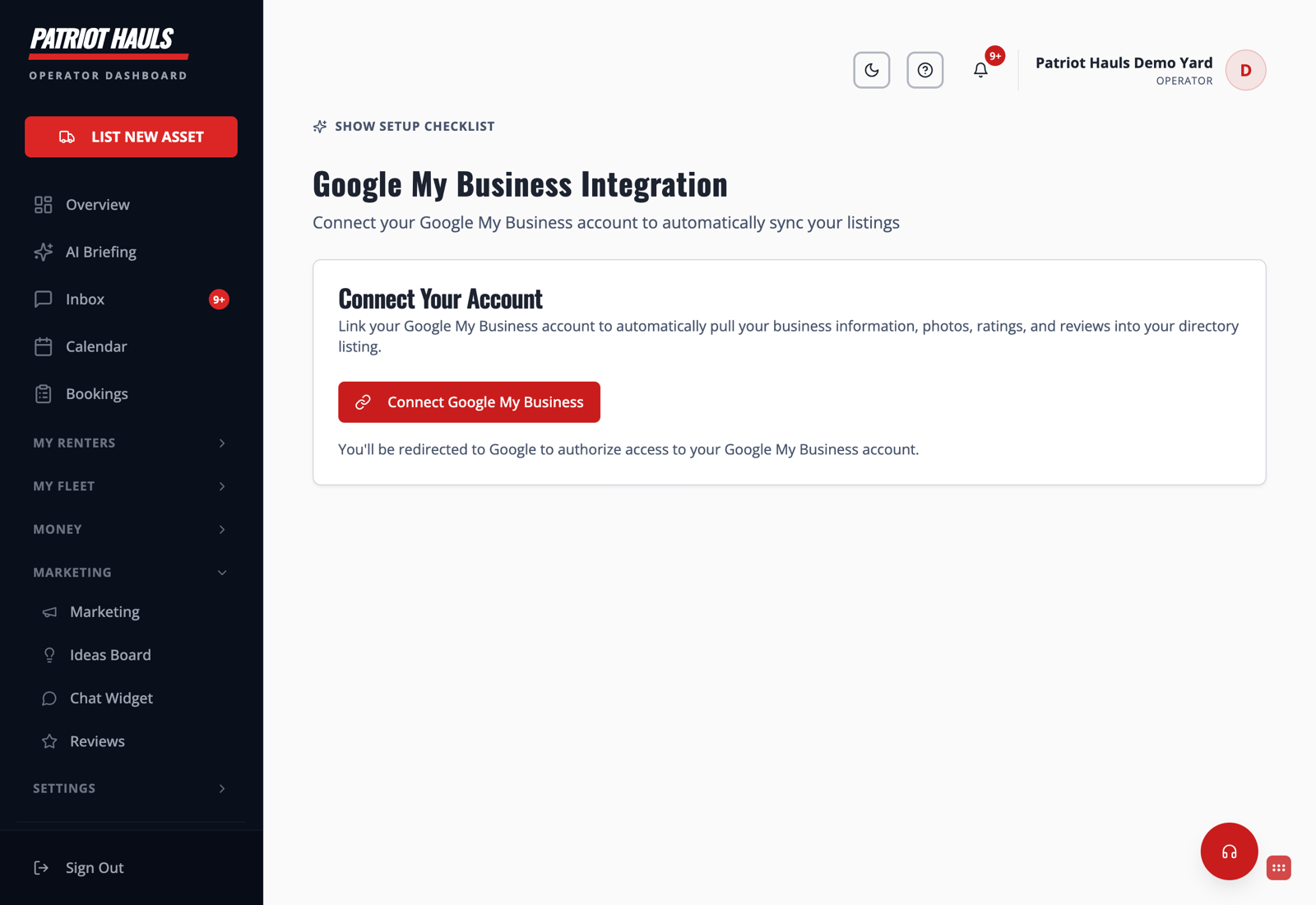
Connect your account
- Go to the Google My Business Integration page.
- Click Connect Google My Business.
- Sign in with the Google account that manages your business listing and approve access.
- Patriot Hauls finds your profile and links it. Your business info, photos, ratings, and reviews can now sync into your directory listing.
What syncing does
- Keeps your business info and photos consistent between Google and your Patriot Hauls listing.
- Lets your Google reviews flow into your Reviews dashboard — see Import your Google reviews.
- Powers Google posts of your inventory once the connection is live.
Good to know: Google's Business Profile access is approved on Google's side and can take time to activate. If the connect button doesn't finish right away, it usually means Google is still granting access — try again later, and reach out to Support if it stays stuck.
Still need help? Tap the Support button inside your dashboard.