You've probably earned Google reviews over the years. The Google Sync tab bridges those into Patriot Hauls in one move, so your existing reputation shows up on your storefront and in your Reviews dashboard.
Open Reviews → Google Sync.
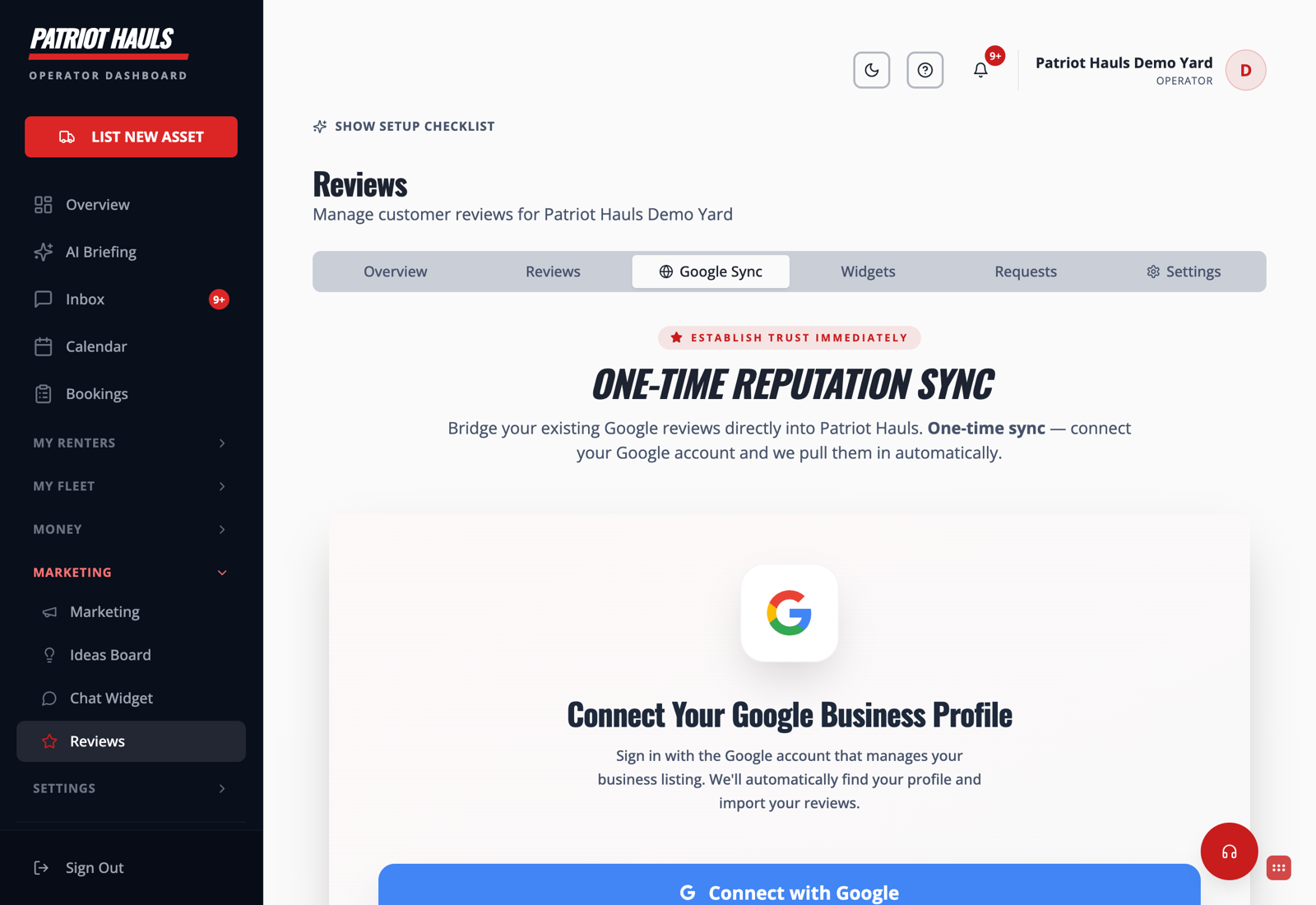
Connect and sync
- Go to Reviews → Google Sync.
- Click Connect with Google.
- Sign in with the Google account that manages your business listing.
- Patriot Hauls finds your profile and pulls your Google reviews in automatically.
This is a one-time reputation sync — it bridges the reviews you already have so you're not starting from zero.
Good to know: Connecting here works hand in hand with the Google Business Profile connection on the marketing side. If you've already connected there, importing reviews is even quicker.
Once your reviews are in, reply to them fast with AI-drafted responses, and keep new ones coming with review requests.
Still need help? Tap the Support button inside your dashboard.