Connecting Facebook is the single most useful thing you can do in the Social Media Engine. One connection lets Patriot Hauls post to your Facebook Page automatically — and because Instagram business profiles are linked to a Facebook Page, your Instagram posts ride along on the same connection.
Open Marketing → Connected Accounts to manage your links.
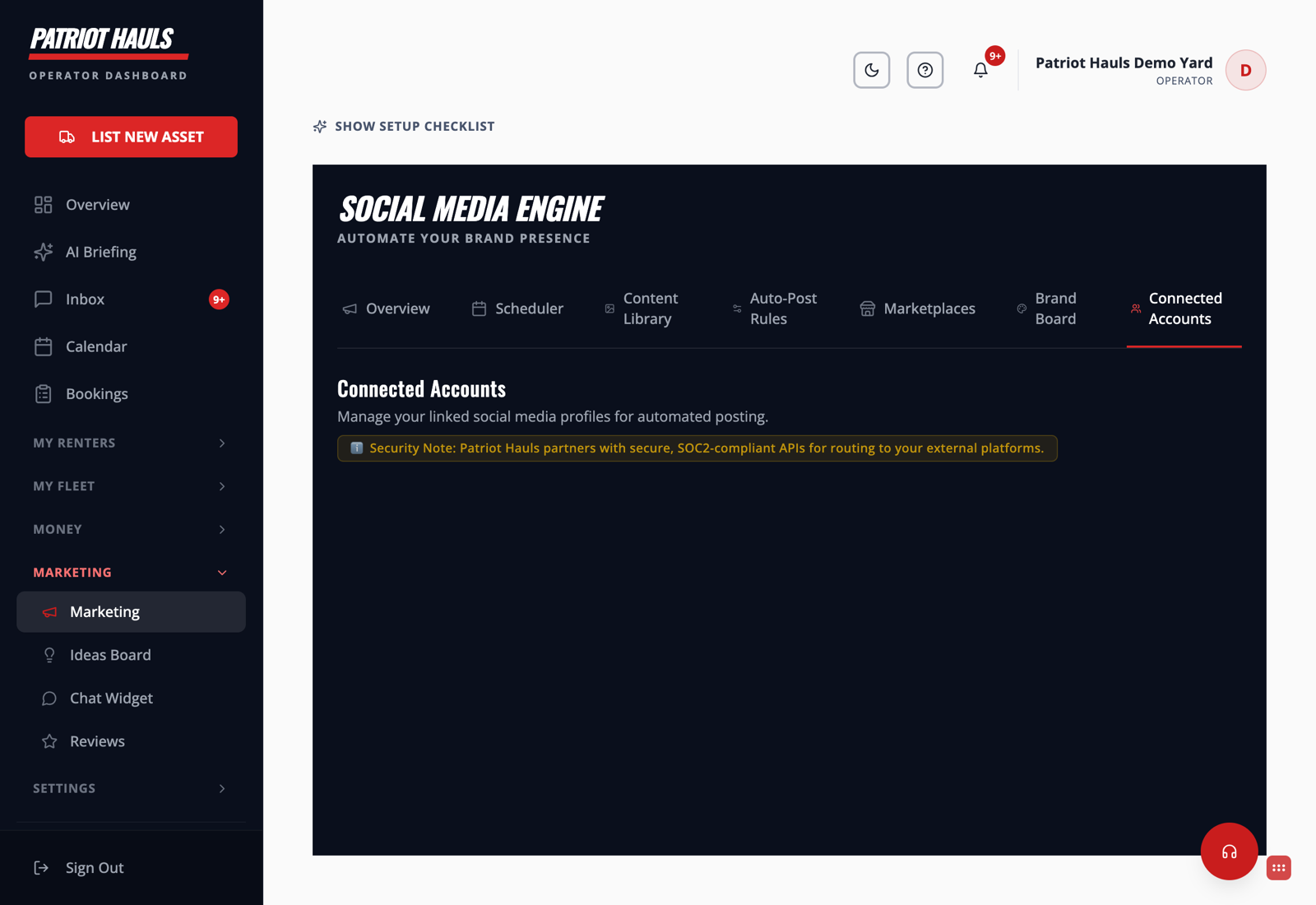
Connect your Facebook Page
- Go to Marketing → Connected Accounts.
- Click Connect on the Facebook card.
- Sign in to Facebook and approve access when prompted. Choose the Page you use for your trailer business (not your personal profile).
- Back in Patriot Hauls, the card shows your Page as connected.
Getting Instagram to post too
Instagram posts through your Facebook Page connection, so:
- Make sure your Instagram account is a Business or Creator account.
- In Facebook, confirm that Instagram account is linked to the same Page you just connected.
- Once linked, Patriot Hauls can publish to Instagram alongside Facebook.
Heads up: If Instagram isn't posting, it's almost always because the Instagram account isn't linked to your Facebook Page, or it's still a personal (not business) account. Fix that in Facebook, then reconnect here.
Reconnecting
Facebook access can expire, or you may switch Pages. If posts stop going out, return to Connected Accounts and click Connect again to refresh the link.
Once you're connected, turn on your Auto-Post Rules so new trailers and reviews post themselves.
Still need help? Tap the Support button inside your dashboard.