Auto-Post Rules put your marketing on autopilot. Each rule is a trigger tied to something that already happens in your business — you list a trailer, a renter leaves a review — and when it fires, Patriot Hauls posts to your connected channels for you.
Open Marketing → Auto-Post Rules.
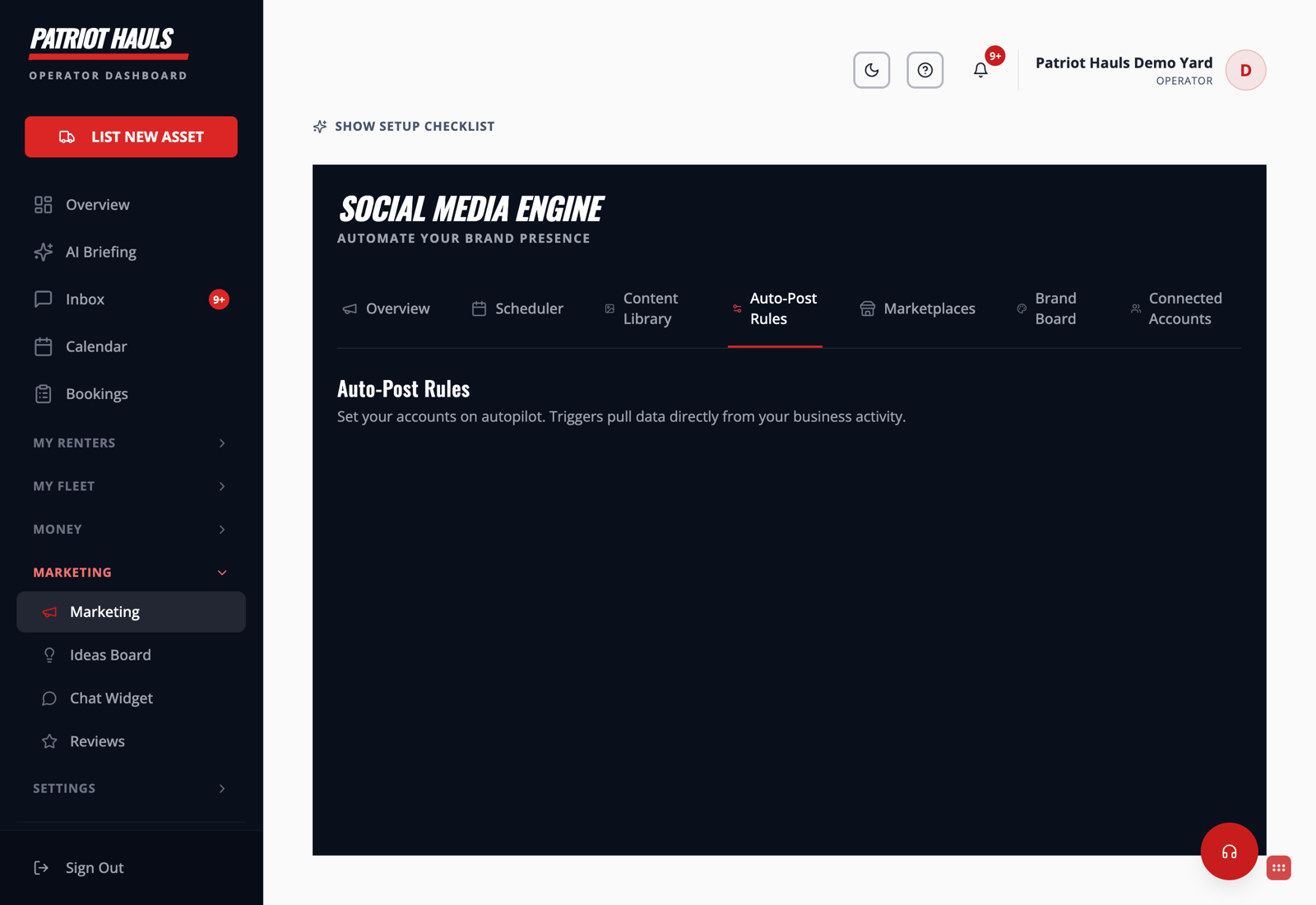
The rules you can turn on
Flip any of these on or off with a toggle:
- New Trailer Listed — posts automatically when you activate a new trailer in your fleet.
- 5-Star Review Received — shows off your service whenever a customer leaves a 5-star review.
- Price Drop Alert — tells your followers when you lower the daily rate on a trailer.
- Trailer Returned & Available — posts when a unit is returned and marked ready for the next rental.
- Holiday Campaigns — themed posts leading up to major long weekends and holidays.
- Weekly Educational Content — towing tips, safety guides, and how-tos, shared every week.
How it works
- Connect at least one channel first — see Connect Facebook and Instagram.
- Open Auto-Post Rules and toggle on the triggers you want.
- That's it. When a trigger happens, the post goes out on its own. The rule pulls the details straight from your business activity.
Tip: Start with New Trailer Listed and 5-Star Review Received — they're the two that consistently bring in new renters with zero extra effort from you.
Want to plan posts by hand instead? Use the Scheduler tab to queue content on a calendar.
Still need help? Tap the Support button inside your dashboard.