The Social Media Engine is your marketing command center. Instead of hiring someone to post about your trailers, you connect your accounts once and let Patriot Hauls turn your real business activity — new listings, 5-star reviews, price drops — into posts.
Open it from Marketing in the sidebar. It's part of the Elite plan and up.
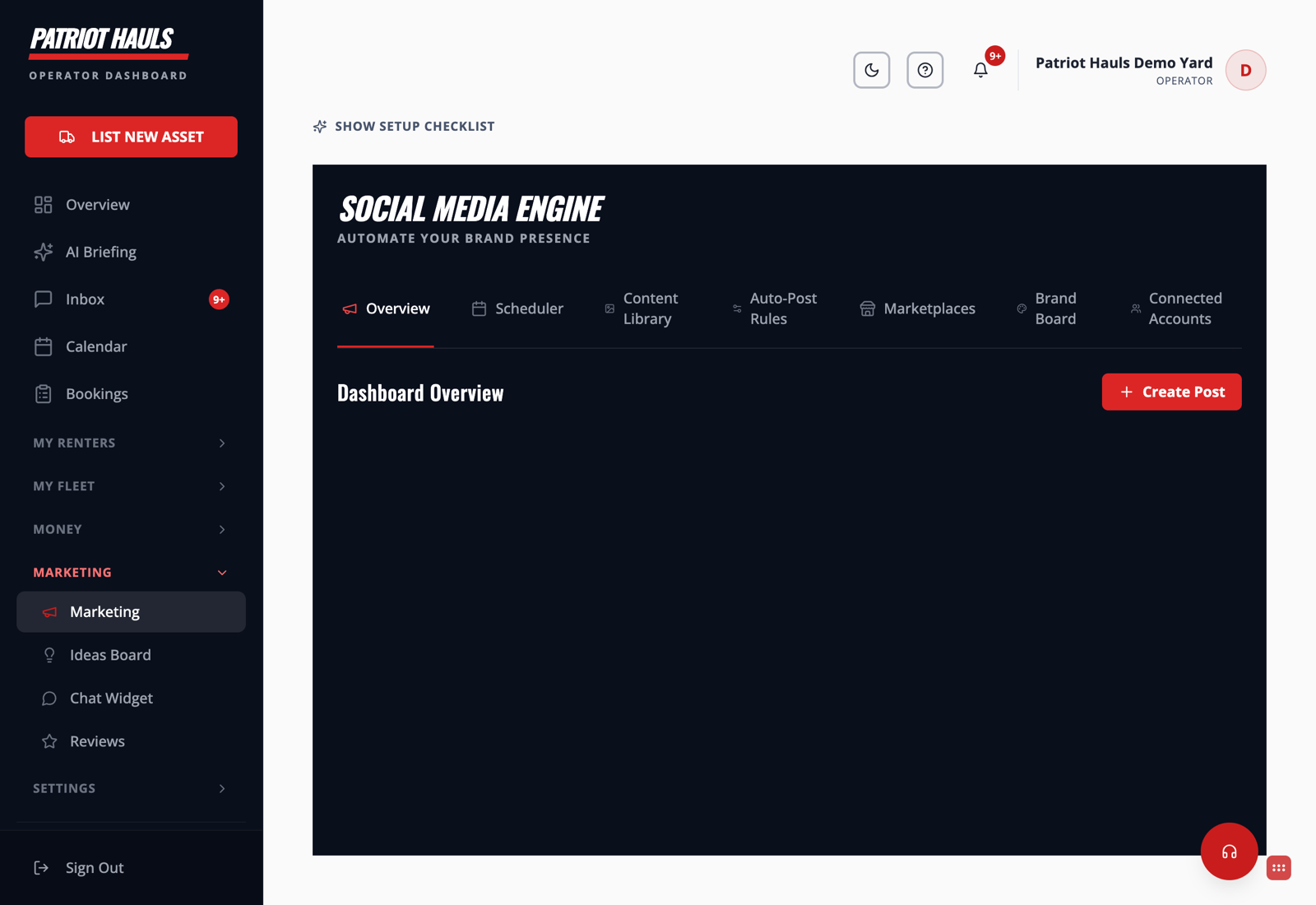
The tabs, at a glance
- Overview — your marketing dashboard: posts this month, reach, and quick stats.
- Scheduler — plan and queue posts on a calendar.
- Content Library — the images and captions Patriot Hauls has generated for you to reuse.
- Auto-Post Rules — set the triggers that post for you automatically. See Auto-post new inventory.
- Marketplaces — generate ready-to-paste Craigslist and Facebook Marketplace listings. See Marketplaces: Craigslist and Facebook.
- Brand Board — your logo, colors, and voice, so every post looks like you.
- Connected Accounts — link Facebook, Instagram, and Google. See Connect Facebook and Instagram.
How to get started
- Open Connected Accounts and link your Facebook Page (Instagram rides along).
- Set your look in Brand Board.
- Turn on a couple of Auto-Post Rules so new trailers and reviews post themselves.
- Use Create Post any time you want to publish something on the spot.
Tip: You don't have to do everything at once. Connect one channel, flip on the "New Trailer Listed" rule, and you're already marketing on autopilot.
Still need help? Tap the Support button inside your dashboard.