Some operators require you to verify your driver's license and insurance before a booking can be confirmed. You do this in the Documents step of checkout, right after you sign. It only takes a minute.
Verify your driver's license
You have two options:
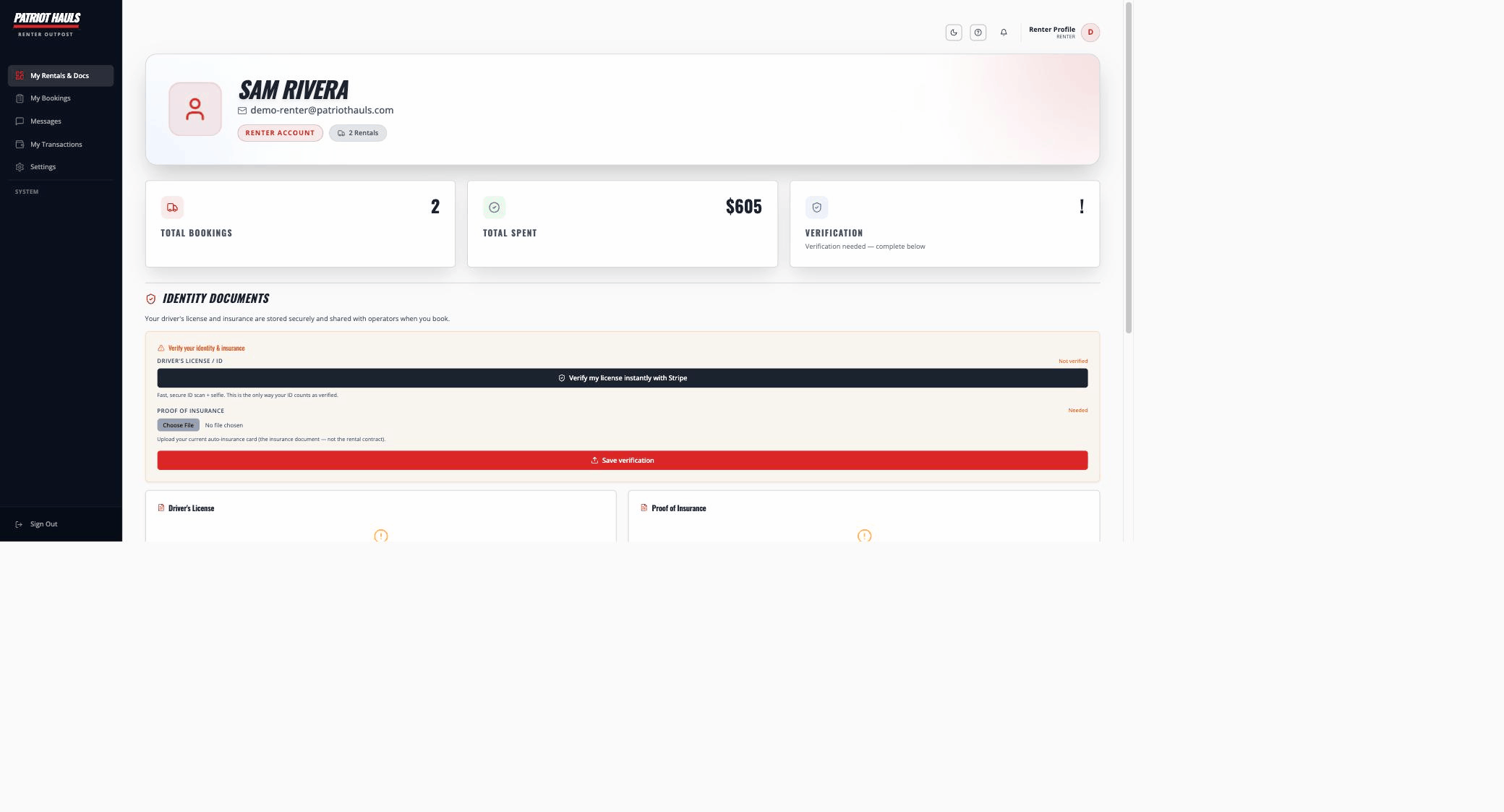
- Verify instantly with Stripe. Tap Verify my license instantly with Stripe for a fast, secure ID check. When it passes, your license is verified on the spot — no photo to upload.
- Upload a photo. Prefer to do it manually? Take a photo or upload a file of your license instead.
Good to know: The instant check is powered by Stripe Identity. Your ID photo is handled securely by Stripe — the operator sees the verified result, not your raw images.
Add your insurance
Upload a photo or PDF of your current auto insurance — your insurance card, declarations page, or certificate of liability insurance all work. Patriot Hauls automatically checks that it's genuine, current coverage for your rental dates.
If the document can't be verified — for example, it's expired or isn't an insurance document — you'll be asked to upload a current one before you can finish. Some operators allow exceptions; others require it before the booking completes.
If you've rented before
If you've booked through Patriot Hauls before, your license and insurance are already on file. At checkout you'll see a Welcome back message — just confirm they're still current, or upload new ones if anything has expired before your rental ends.
Heads up: Finish your documents promptly. If they aren't submitted in time, the payment hold is released and the booking is cancelled.
After your documents go through, you'll land on the final step. See paying and deposits for how the charge and deposit work.
Questions about what a specific operator requires? Contact the operator directly from your booking.