Patriot Hauls lets you take rental payments through Square as an alternative to Stripe. Either way, renters pay you directly and Patriot Hauls takes no cut — pick whichever processor you already use.
Open Payments → Settings to choose your provider.
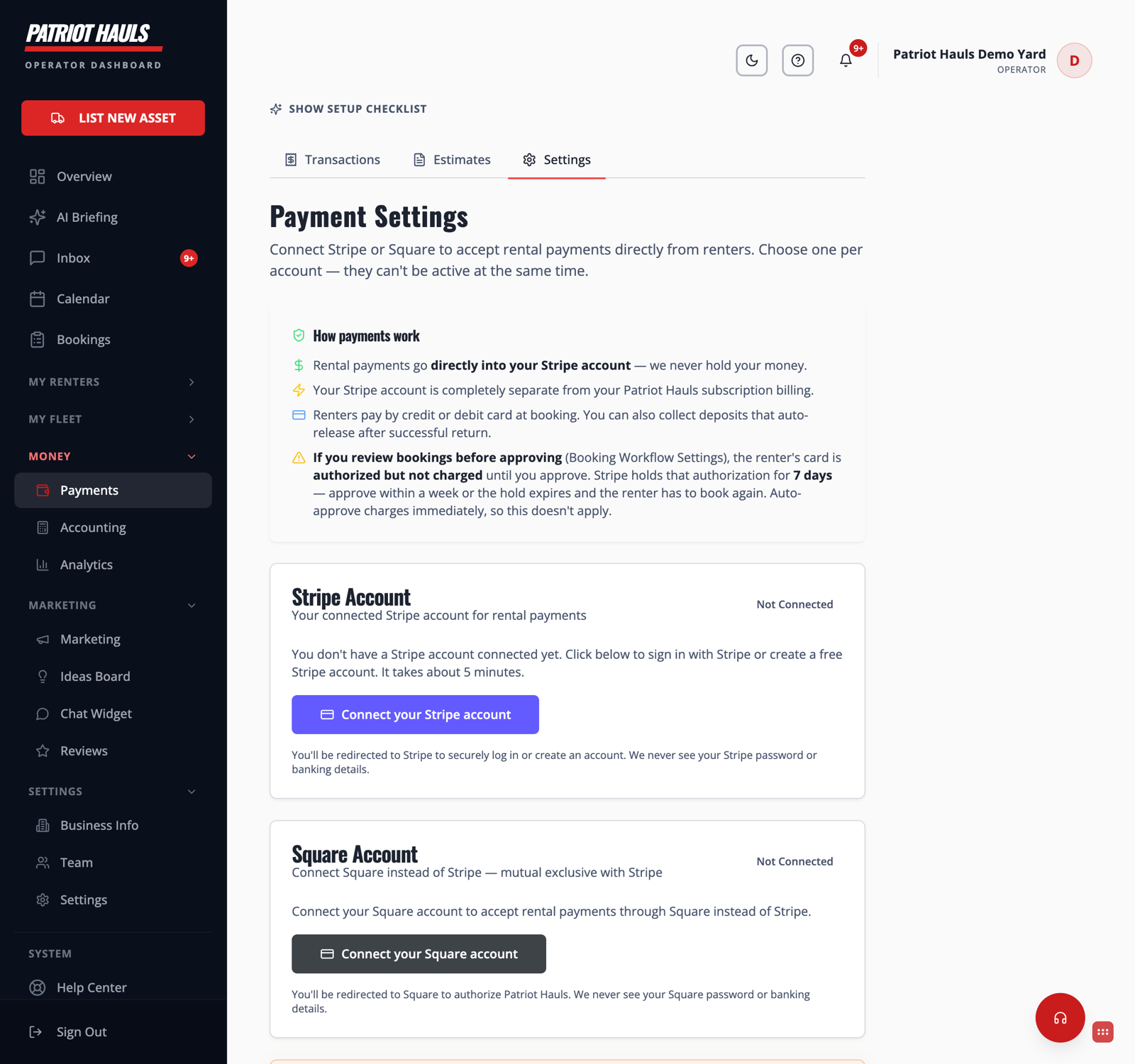
Stripe or Square — pick one
You connect one provider per account; Stripe and Square can't both be active at the same time. On the Payment Settings page you'll see a card for each:
- Go to Payments → Settings.
- On the Square Account card, click Connect your Square account.
- You're redirected to Square to sign in and authorize Patriot Hauls. We never see your Square password or banking details.
- Back in Patriot Hauls, Square shows as connected and is now your active provider.
How payments work with Square
- Rental payments land directly in your Square account — we never hold your money.
- Your Square balance is completely separate from your Patriot Hauls subscription billing.
- Renters pay by card at booking, and you can collect security deposits that authorize and release automatically.
- If you review bookings before approving, the renter's card is authorized (held), not charged, until you approve — the same authorize-then-capture flow as Stripe. See Approve or review bookings.
Heads up: Switching providers changes where new payments go. Finish or settle anything in flight before you swap, and make sure the account you connect is the one you actually want paid.
New to connecting a processor? The Stripe walkthrough in Connect Stripe for payouts covers the same ideas.
Still need help? Tap the Support button inside your dashboard.