Patriot Hauls already has thousands of trailer and equipment businesses in its directory — many added before the owners ever signed up. If you find your business there, you don't recreate it. You claim it, take ownership, and keep any ranking it already has.
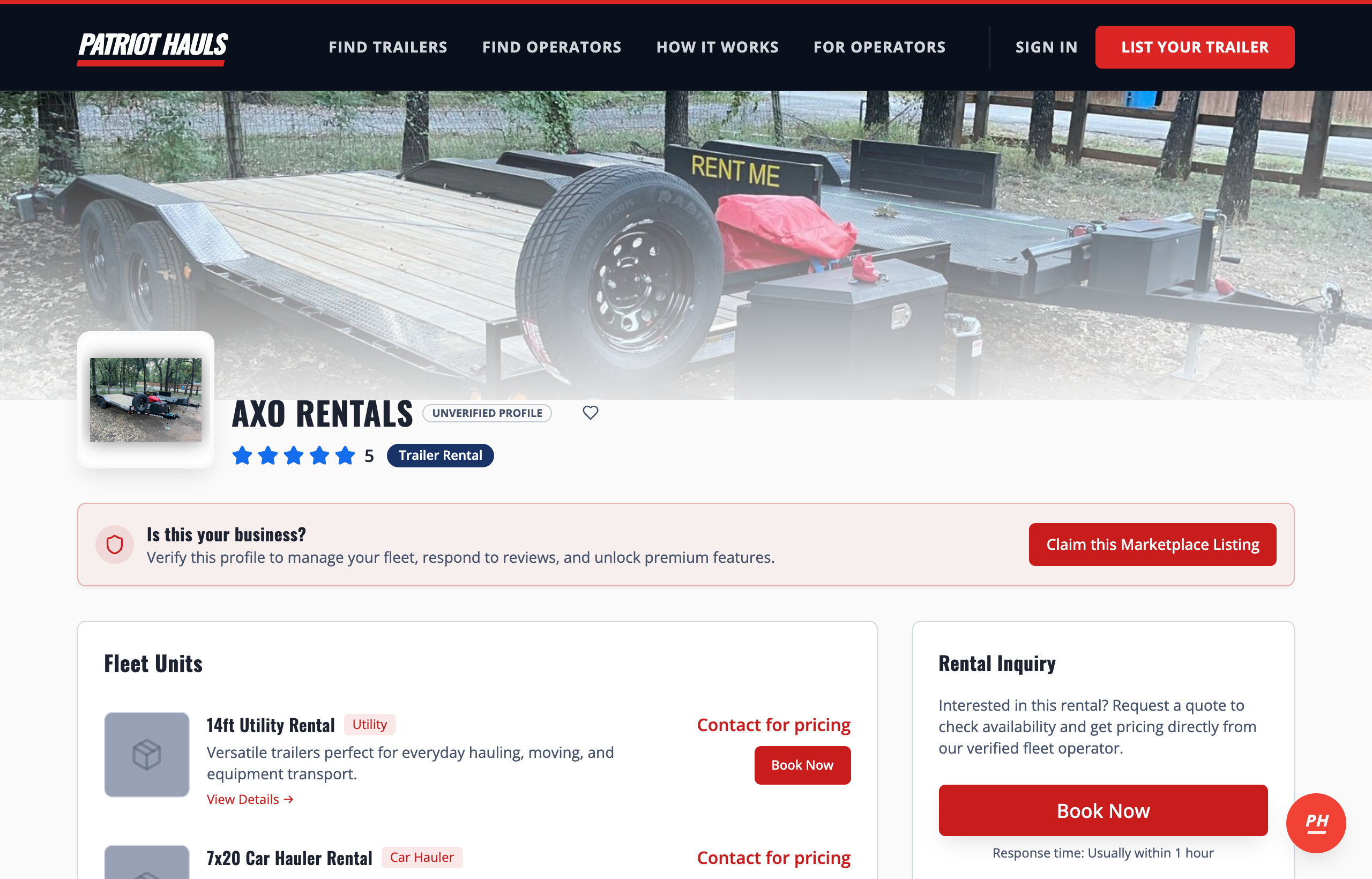
An unclaimed listing shows an "Is this your business?" banner with a Claim this Marketplace Listing button:
How to claim a listing
-
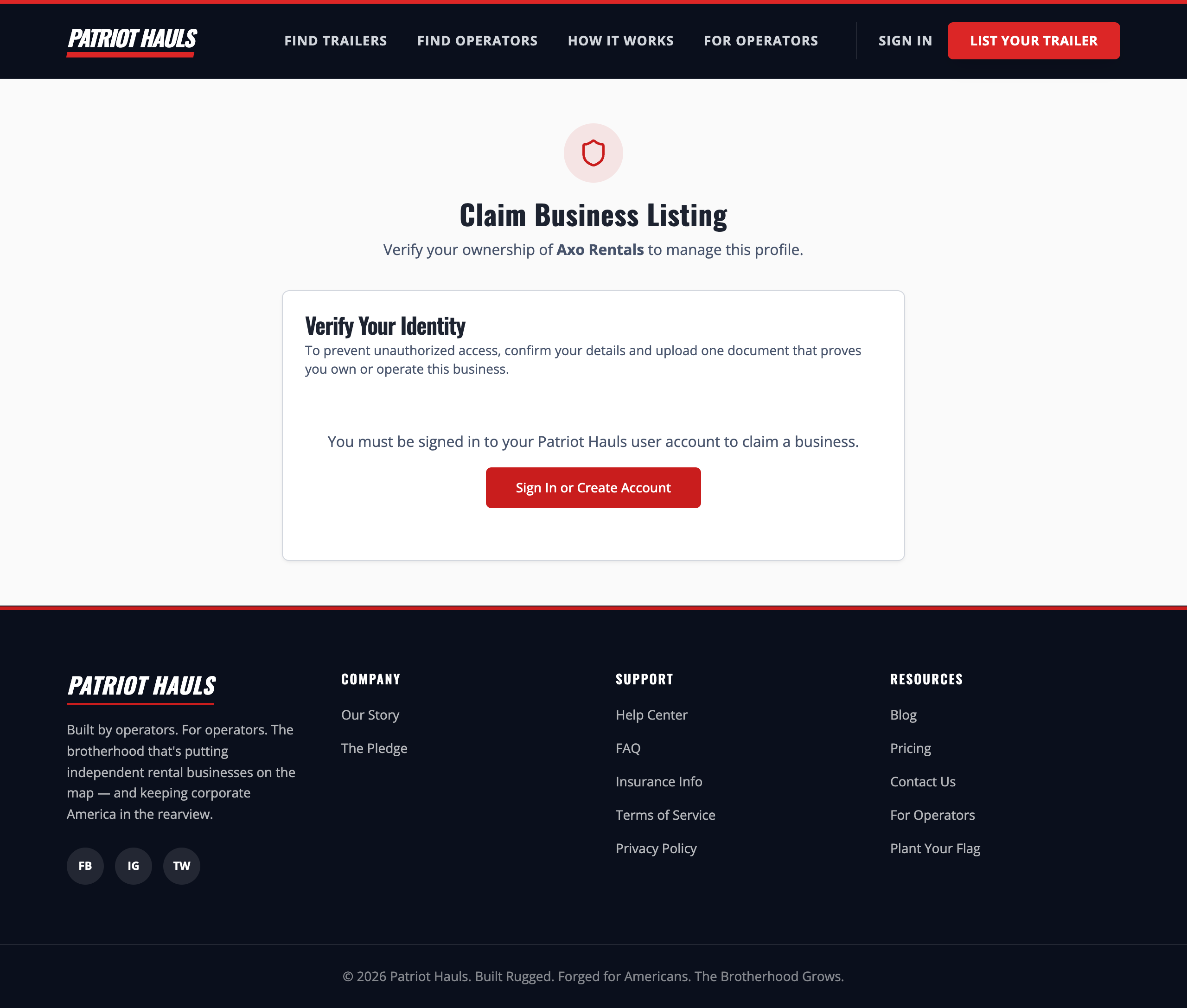
Go to your listing's claim page at /claim/your-business-name (the link looks like
patriothauls.com/claim/acme-trailers). You can reach it from the listing itself or from the onboarding prompt described below. -
Sign in to your Patriot Hauls account, or create one. You must be signed in to claim.
-
Confirm your contact details — name, phone, and address. We use these to reach you if we need to verify.
-
Upload one proof-of-ownership document: an EIN letter, business license, insurance certificate, or a recent utility bill in the business name. It's stored privately and only used to verify your claim.
-
Submit. Your listing becomes yours and goes live right away, and you're sent to your business profile to clean it up.
Good to know: Claiming starts your 10-day free trial of the full platform — no card required. Your listing ranks like a paid operator for those 10 days.
The "is one of these your business?" prompt
When you're setting up a brand-new profile during onboarding, Patriot Hauls checks the directory as you type your business name. If it finds a close match, you'll see an "Is one of these your business?" box listing the possible duplicates.
- If one is yours, tap Claim This Business next to it. That takes you to the claim page above instead of creating a second, duplicate listing.
- If none are yours, check "None of these are mine — create a brand-new listing" and continue saving your profile.
This stops you from accidentally building a duplicate of a business that's already in the directory.
After you claim
Your claim is reviewed by our team in the background, so keep your contact info accurate in case we reach out. In the meantime your listing is live and you can start working through the onboarding checklist.
What if it's already claimed?
If the listing has already been claimed by someone else, or a claim is already being processed, the page tells you and you can't submit. If you believe that's a mistake, tap Support and we'll sort it out.
Still need help? Tap the Support button inside your dashboard any time.